
Interacting with a Quote ( as a Customer )
This is a view of the dashboard as a customer
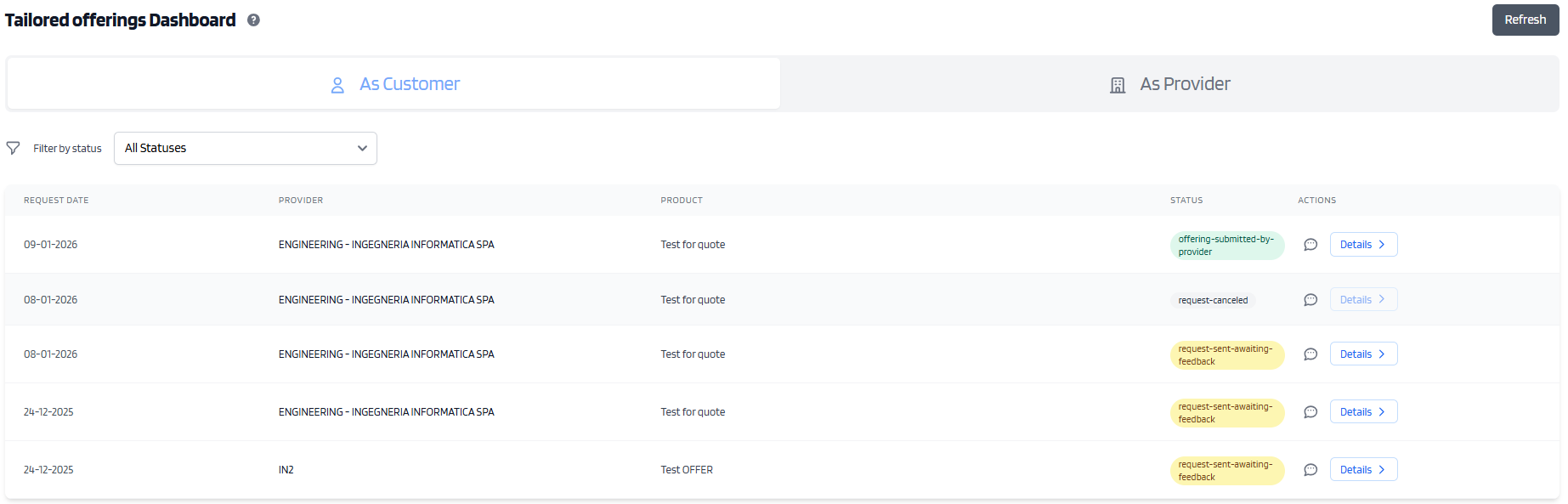
In this view you can see various fields
Request Date - is the Date that has been specified in which a provider must provide an asnwer
Provider - the Denomination of the provider
Product - Denomination of the product sold
Status - The status of the request
Chat bubble - access to the 1on1 chat
Details - Access to the details of the quest and advanced actions
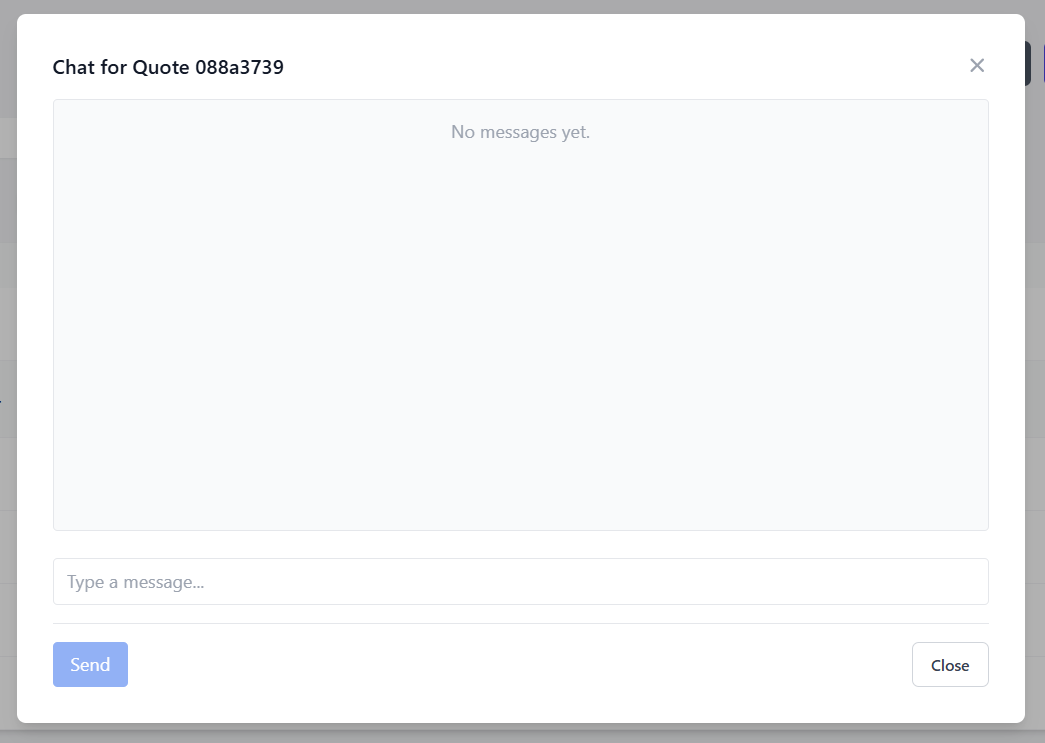
The chat bubble will let you access the chat for the related quote and send messages to the provider
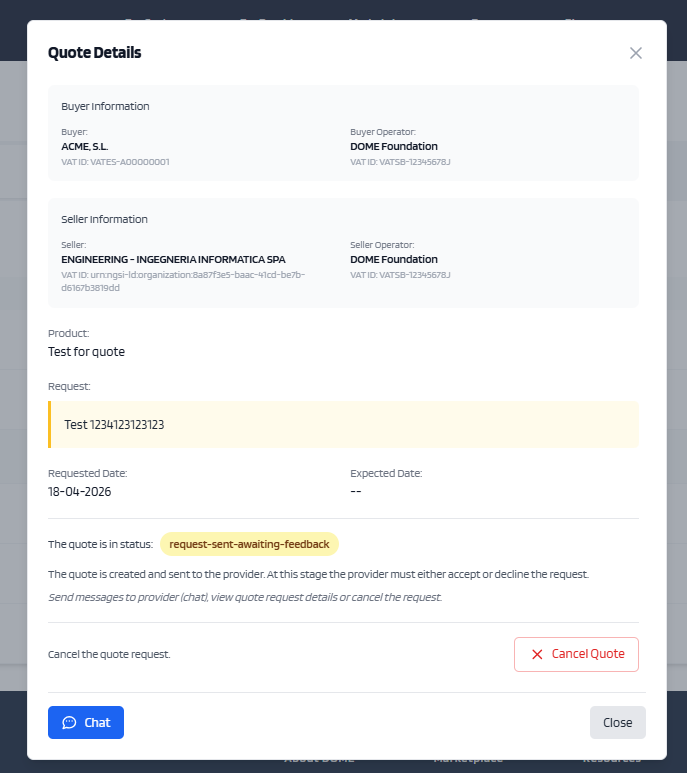
Once the provider has uploaded the PDF document, and the quote is in approved, the quote has new interactions inside the Details Modal

Under the "Attachments" Section, you can download the PDF relative to the proposal of the provider
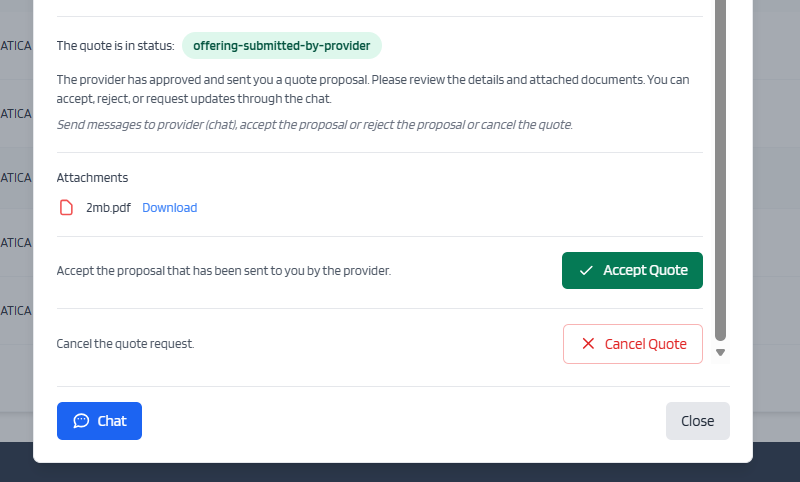
Then clicking Accept Quote, will let the Provider know that you accept their proposal and this will formally end the transaction
At any moment, clicking Cancel Quote will cancel the quote, and will interrupt any negotiation on it.
All actions on the quote will be disabled.
Any details regarding the transactions or products should be asked and specified using the chat functionality
No Comments