
How to create a Quote
To create, request a Quote, the process is the following
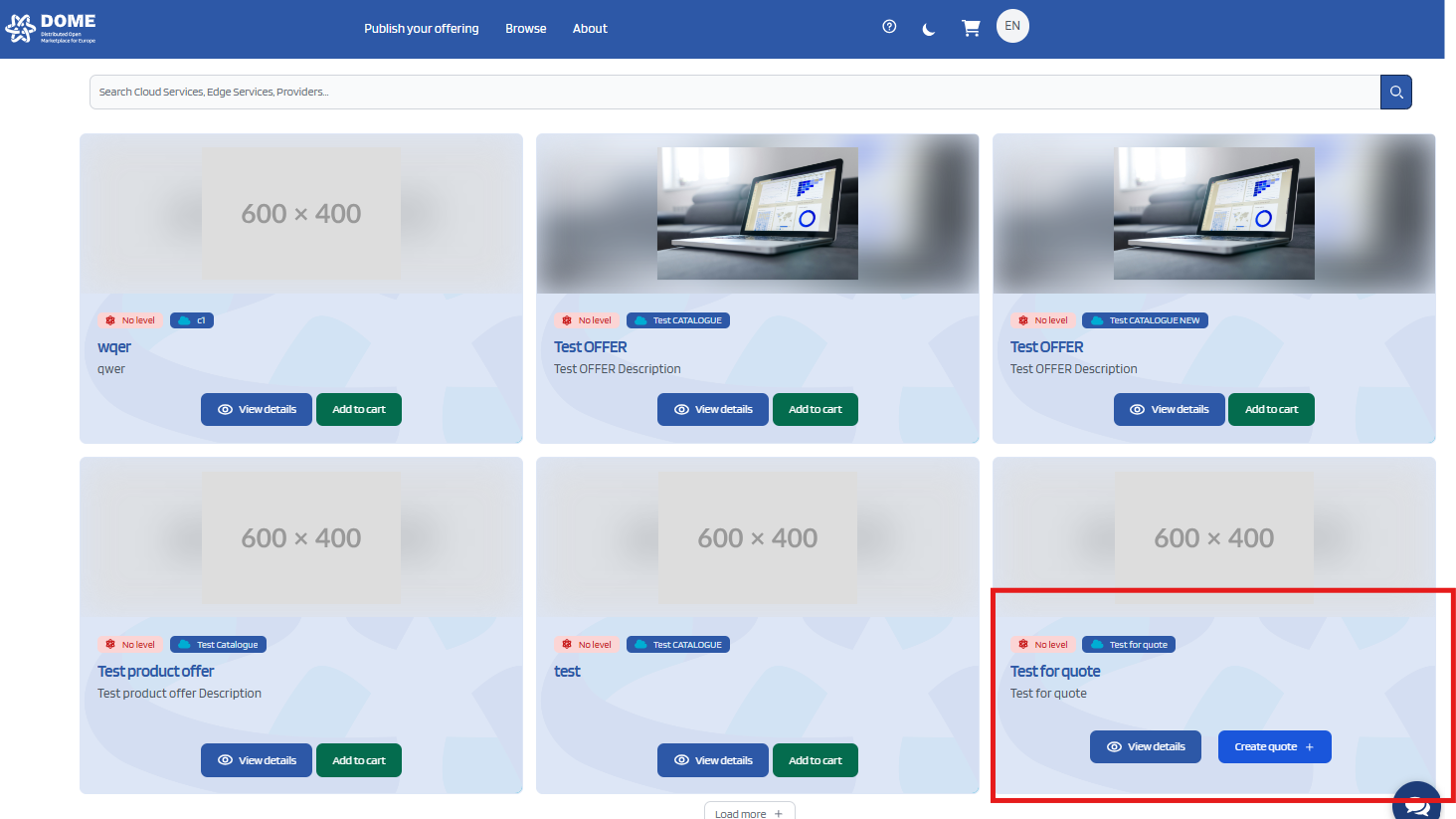
First, look for the product of your choice that displays the button "Create Quote" or "Request a Quote"
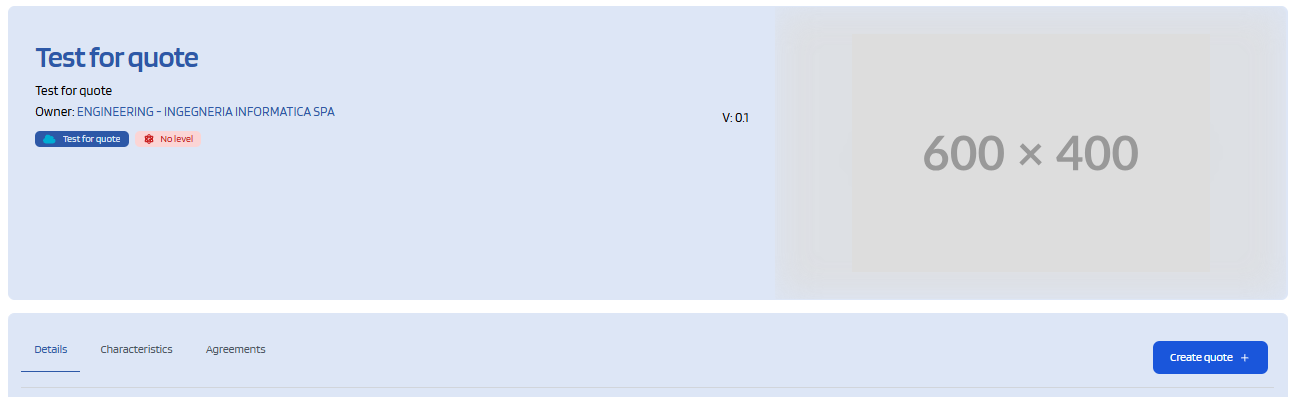
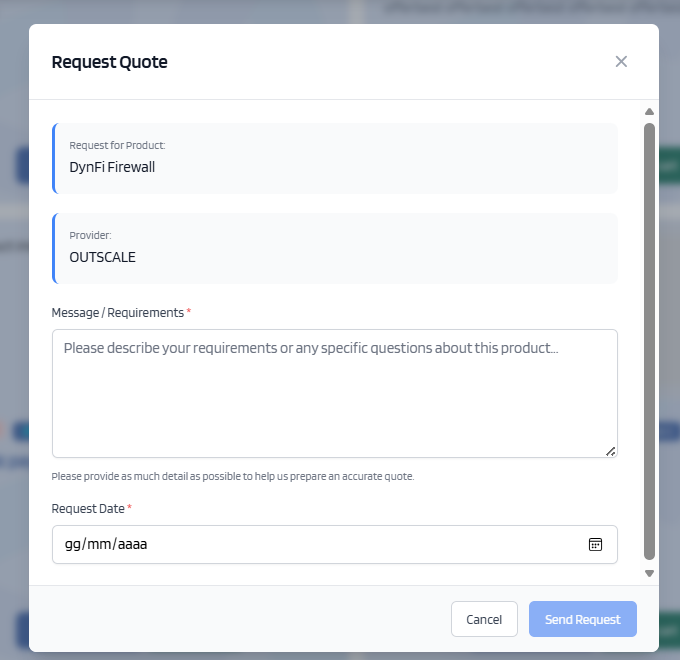
After clicking the button, a window will open that will let you write inside a box. In this box you must write the details of your request and add the date where you expect the provider to provide an answer to your request
Once you are done, click the button "Send Request"
This creates a quote, with you as the customer, and the owner of the product as the Provider.
The created quote is then viewable from the quote Dashboard
No Comments