
How to create a Quote
To create, request a Quote, the process is the following
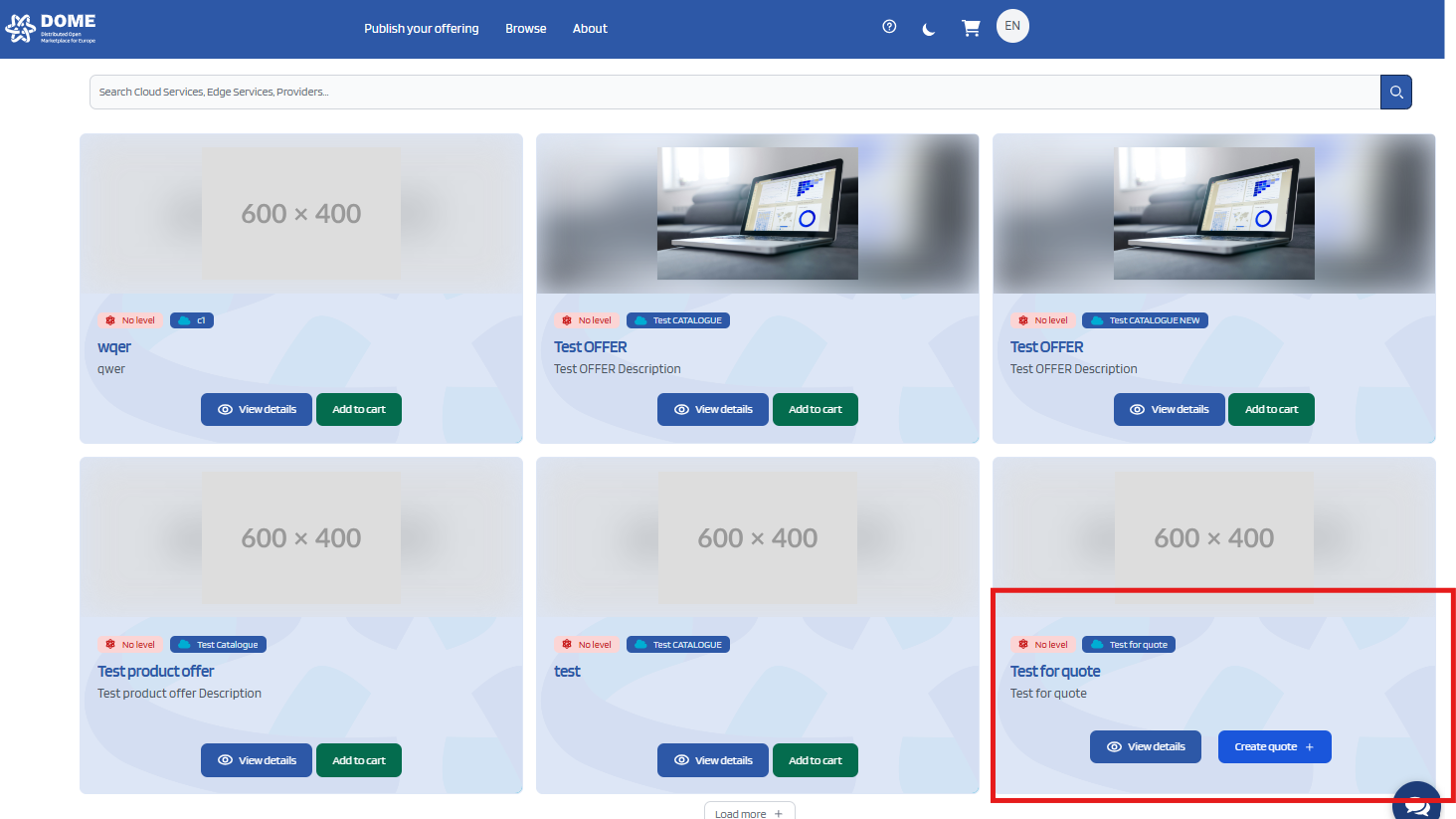
First, look for the product of your choice that displays the button "Create Quote" or "Request a Quote"
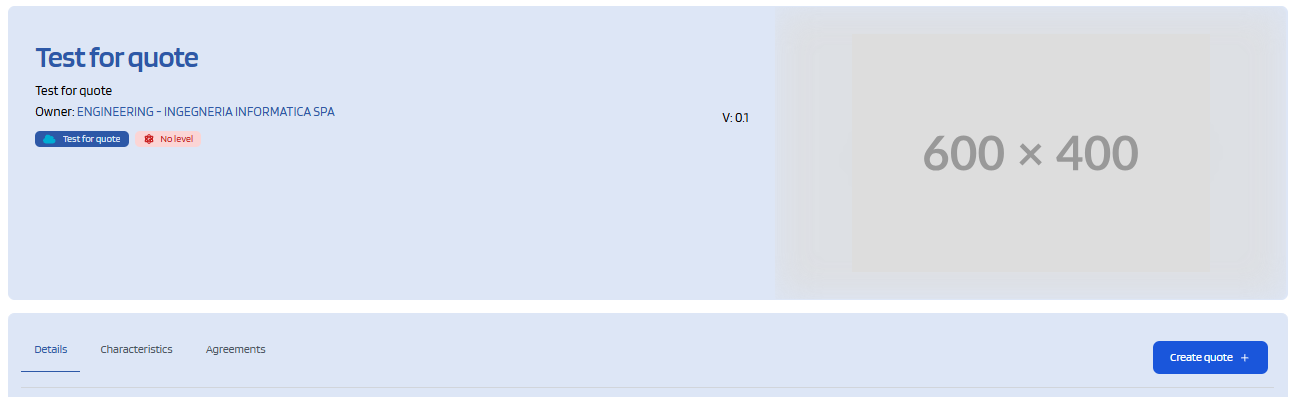
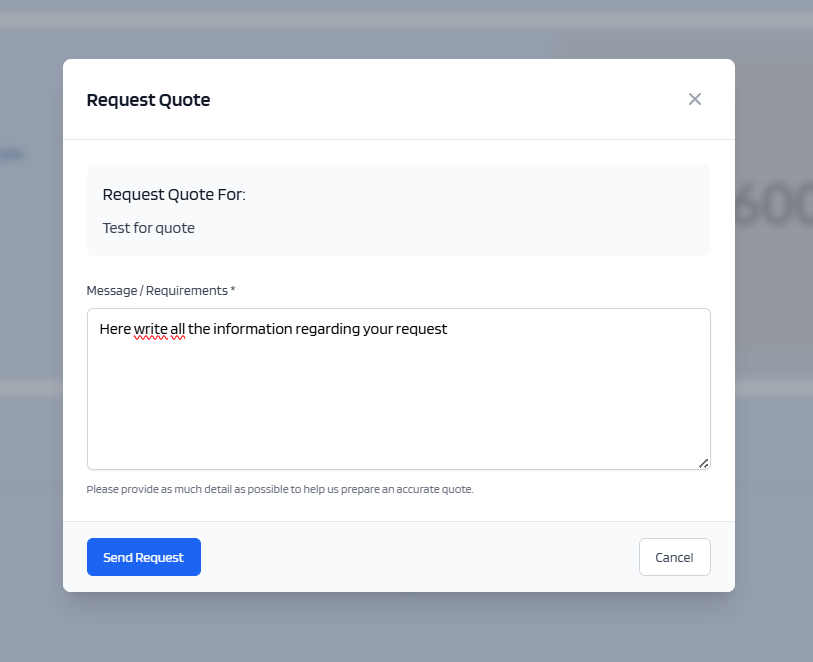
After clicking the button, a window will open that will let you write inside a box.I n this box you can write all the requirement of your request.
Once you are done, click the button "Send Request"
This creates a quote, with you as the customer, and the owner of the product as the Provider.
The created quote is then viewable from the quote Dashboard