
Checking marketplace's landing information
Customers can also check the information provided on the website's home page.
The main navigation provides access to dedicated sections for customers, providers, the marketplace, and the company blog. The primary call-to-action buttons allow users to start either a customer journey or a provider onboarding journey, guiding them toward the most relevant platform experience.

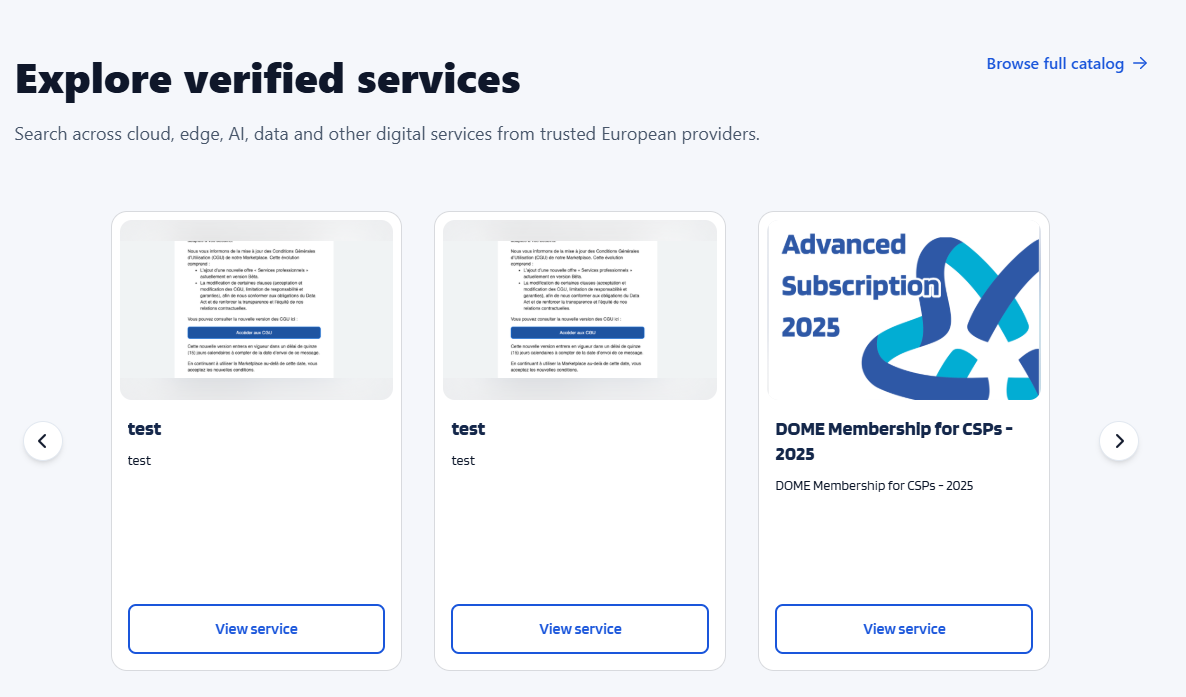
The next thing on the Home page allows users to explore verified services available on the DOME marketplace. Services are presented in a carousel format, displaying key information such as the service name, description, and preview image. Users can navigate through the catalog using the carousel controls, access the complete catalog via the “Browse full catalog” link, or open individual service pages through the “View service” button to learn more about a specific offering.
No Comments