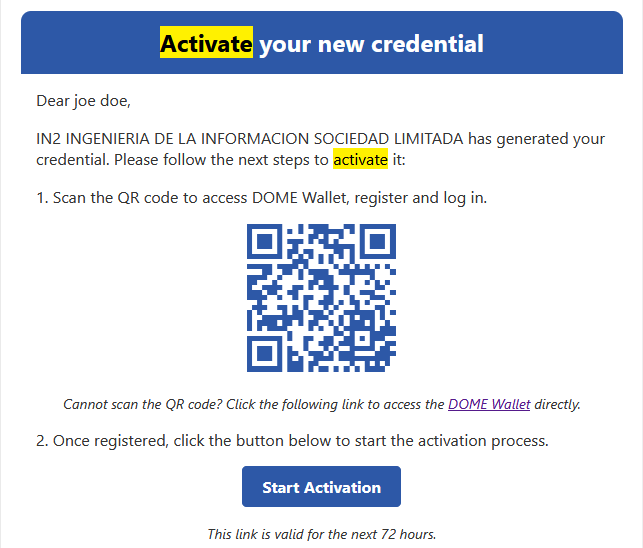
Login into the Credential Issuer
- the
SubjectAccessmoment of the creation of a new Credential the link for the CredentialIssuer- to
Visitdownload theDOMECredentialIssuerhavebyaclickinglifespan of 72 hours. If the Credential Subject didn't download the Credential in that time or fails to do it there is an option to send a fresh e-mail notification to the Credential Subject with the instruction and a new functional link to start the process. To do so click on thefollowingstatuslink:ofDOMEtheIssuer.Credential to access its details.

-
detailsAccessIn theLogin- view
Scroll down toclick the "LoginSendas Legal RepresentativeReminder"button
Log In.Scan the QRbutton.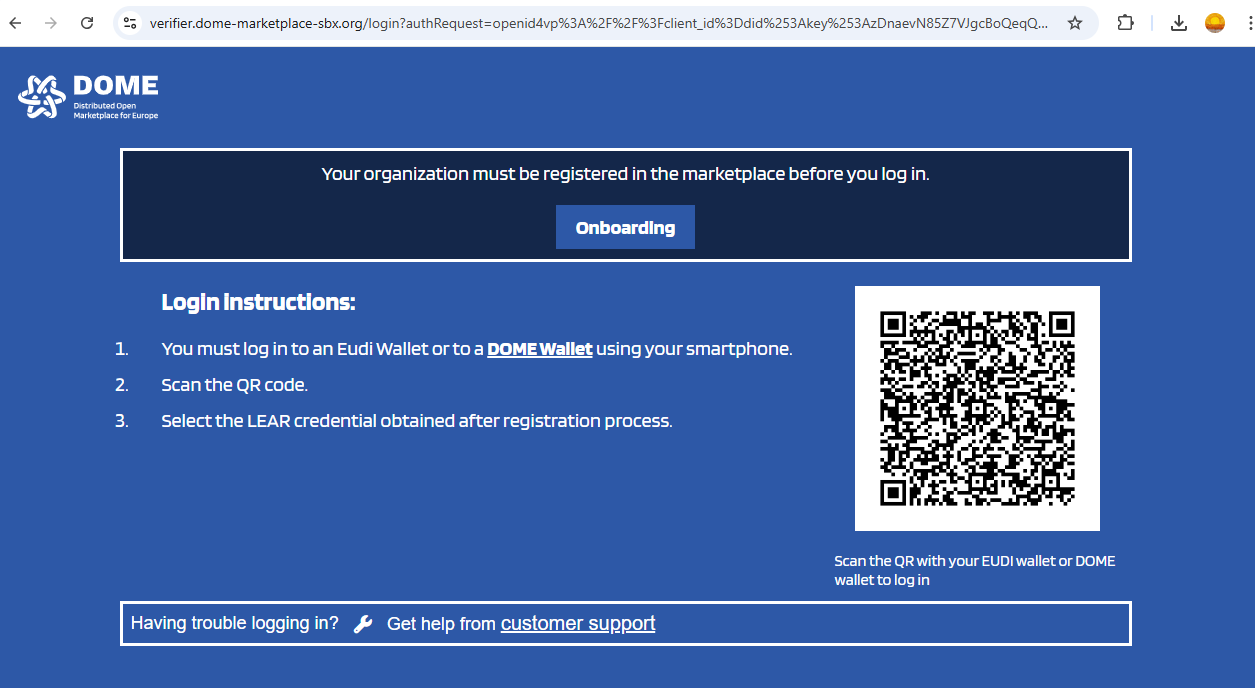
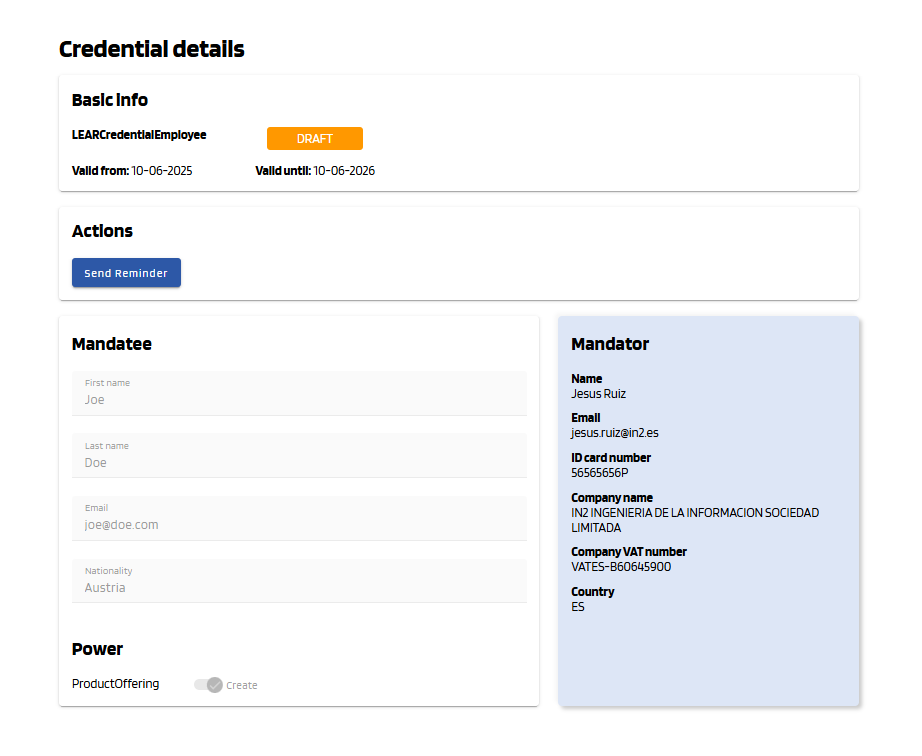
The
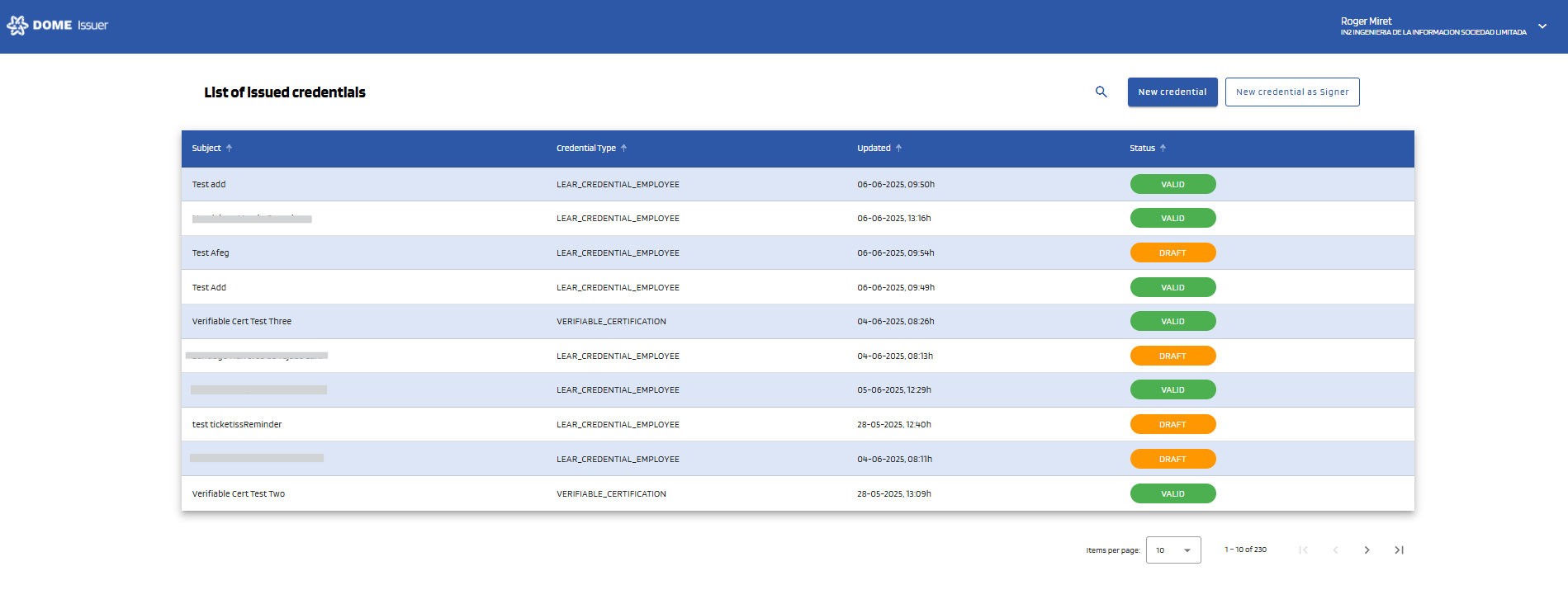
From

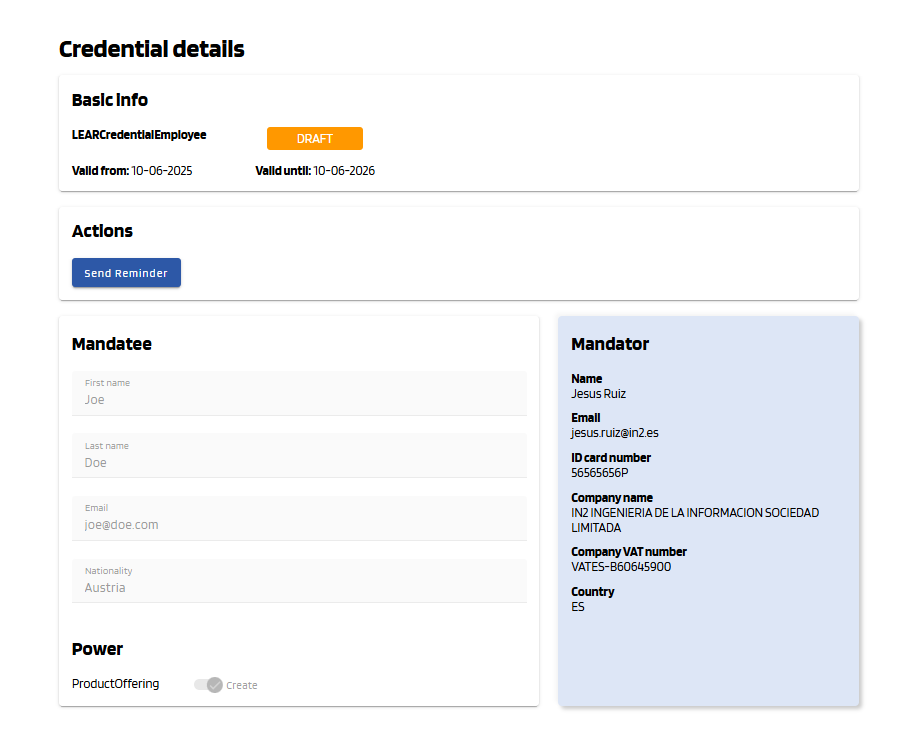
YouSubject willenterreceive theissuednewcredentialsemaillistnotificationview.toInstartthedeinitialprocessviewagain.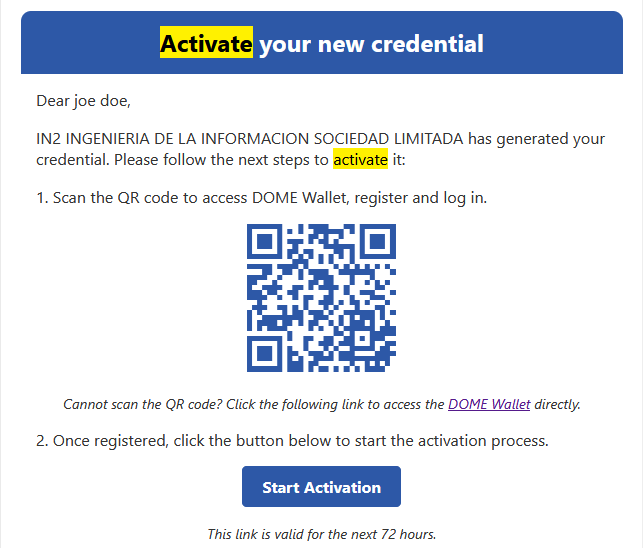
For any other issues you can
see allcontact theissuedtechnicalcredentialssupport team bythecreatingcurrentauser/organization.ticketFor more details, seeonCredentialticketingManagement.