
Login into the Credential Issuer
Please be aware that, in order to log in to the Issuer, you need a Wallet account with a LEAR Credential Employee that includes the "Onboarding - Execute" power, which only LEAR users and DOME admin users possess.
-
Access the Credential Issuer
-
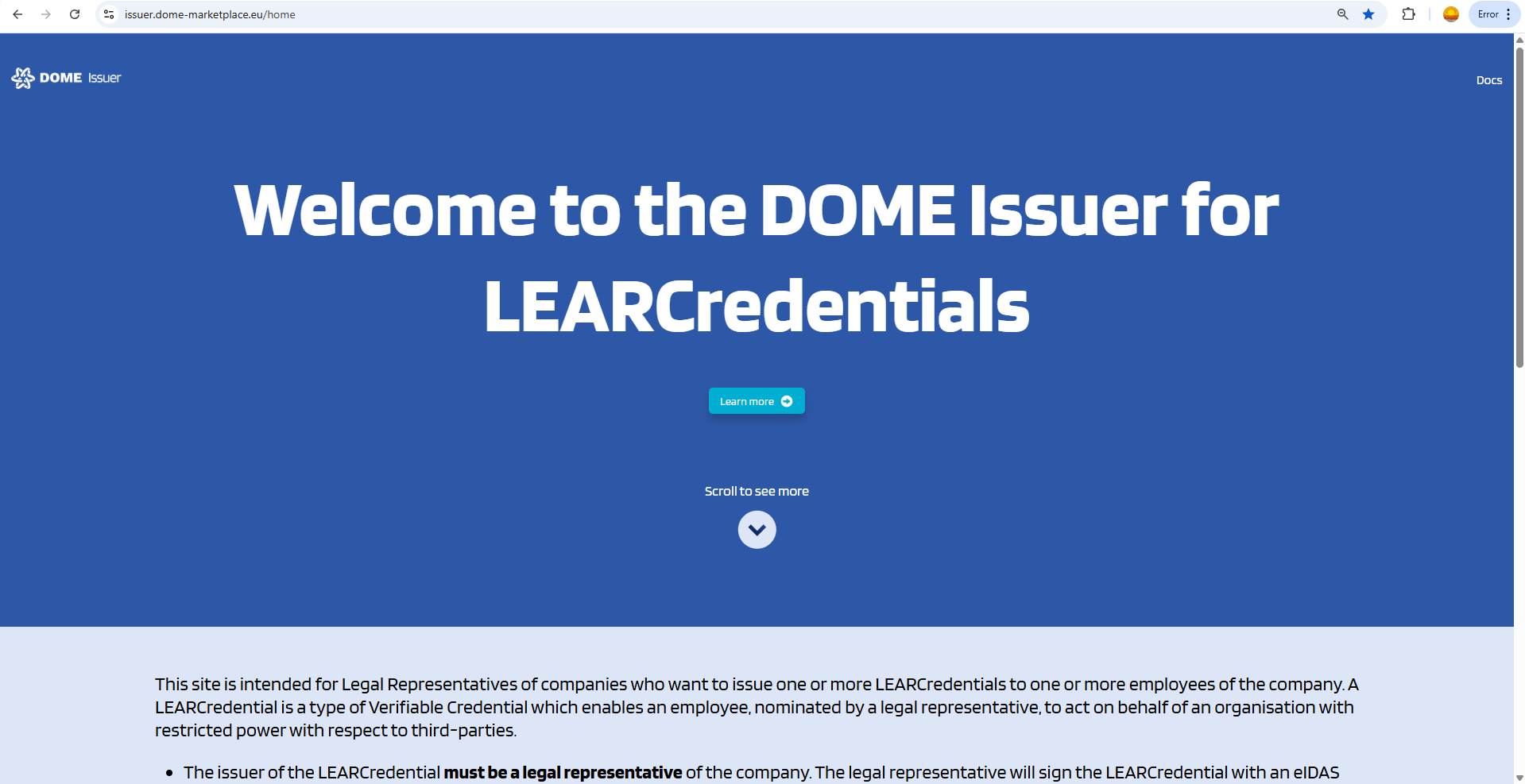
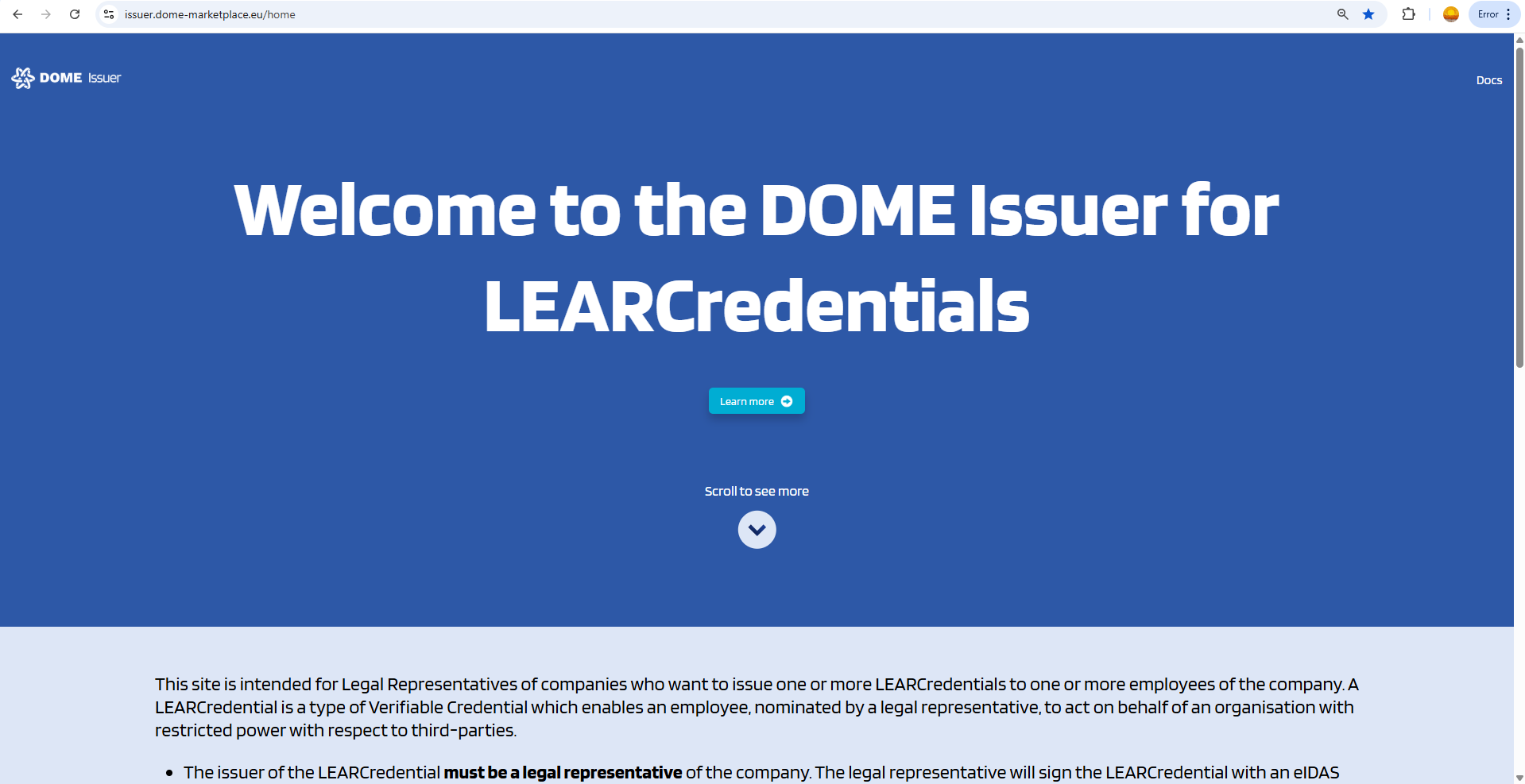
Visit the DOME Issuer by clicking on the following link: DOME Issuer. For a step-by-step login instructions, see this guide.
-
-
Access the Login
-
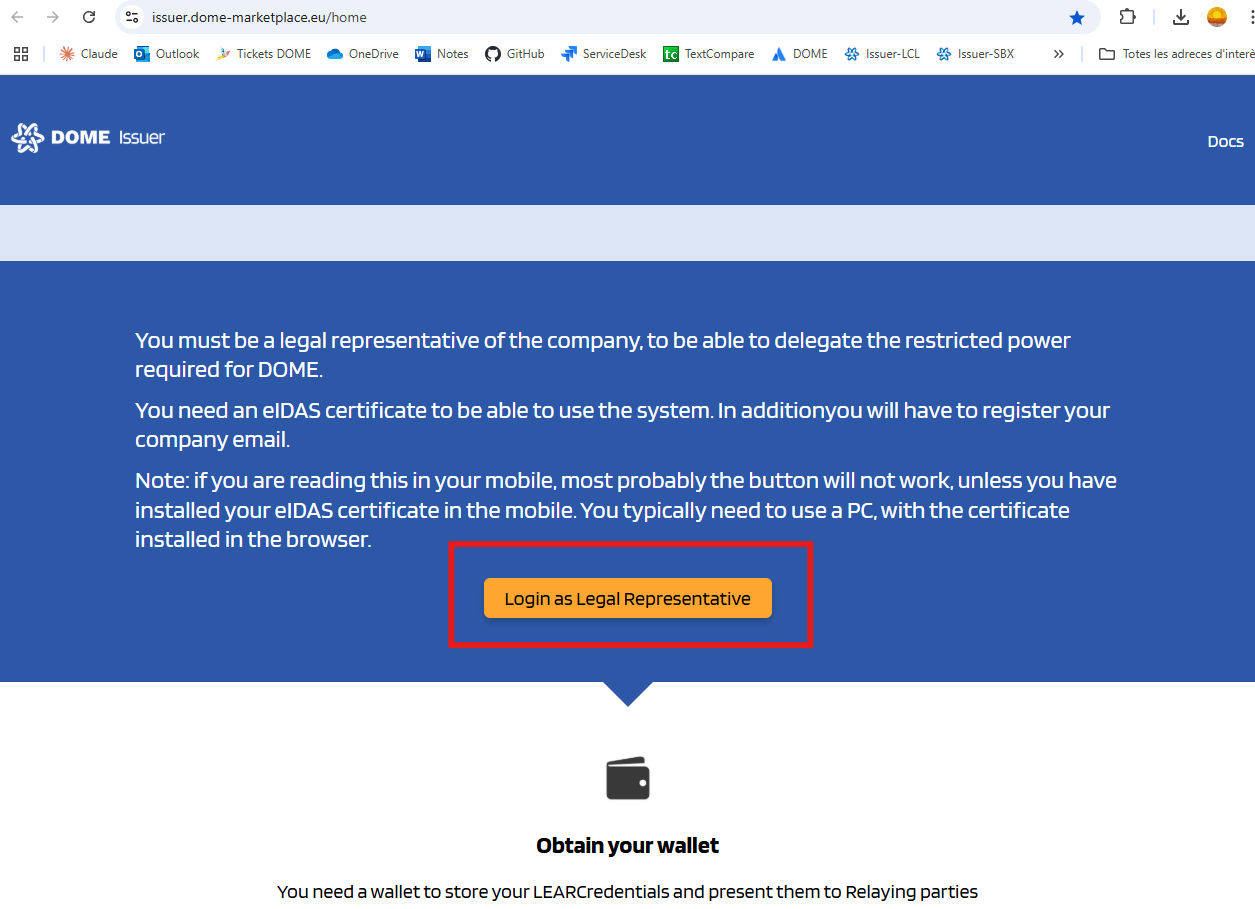
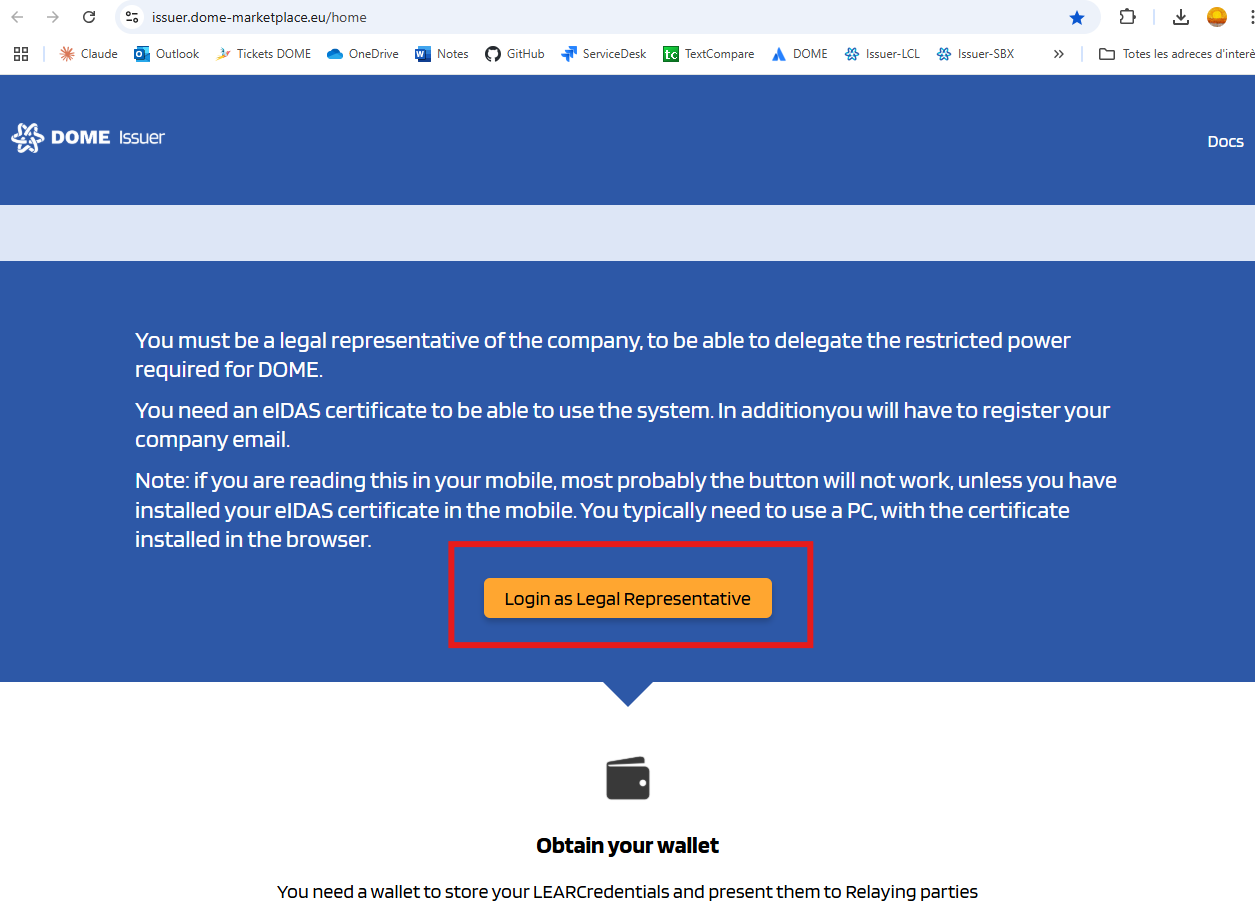
Scroll down to the "Login as Legal Representative" button
-
-
Log In.
-
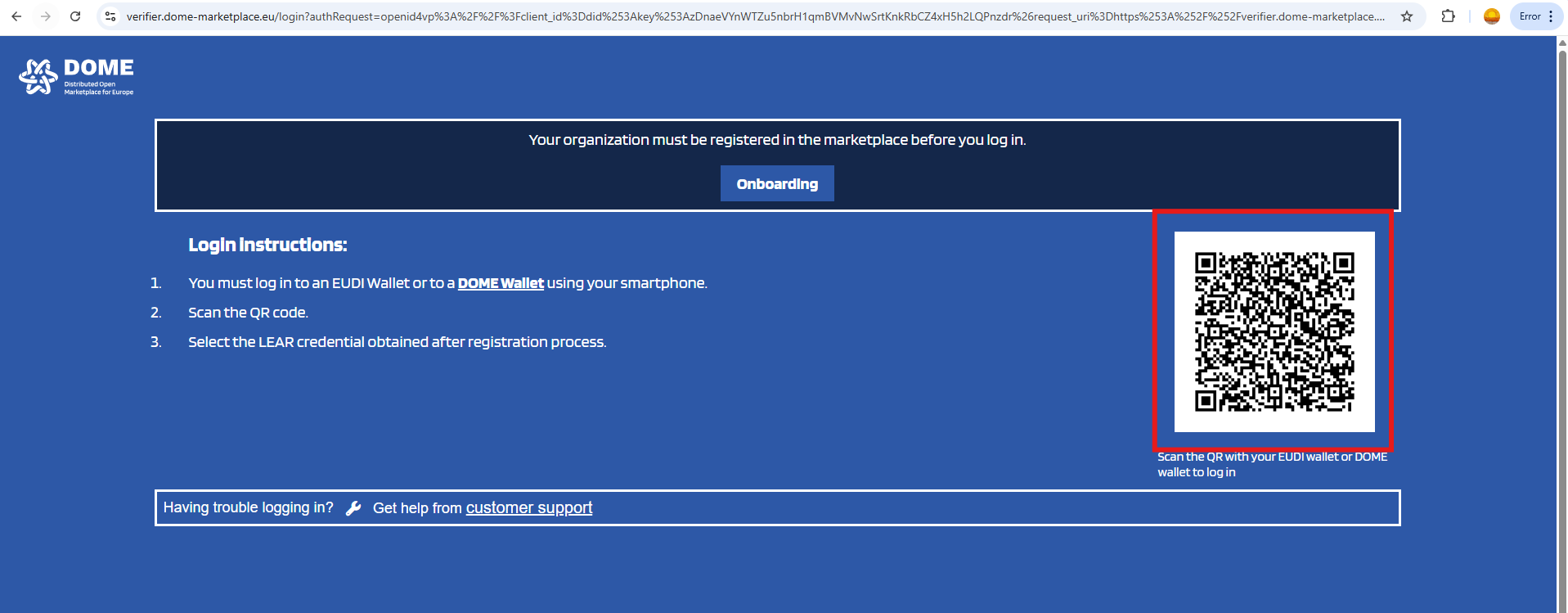
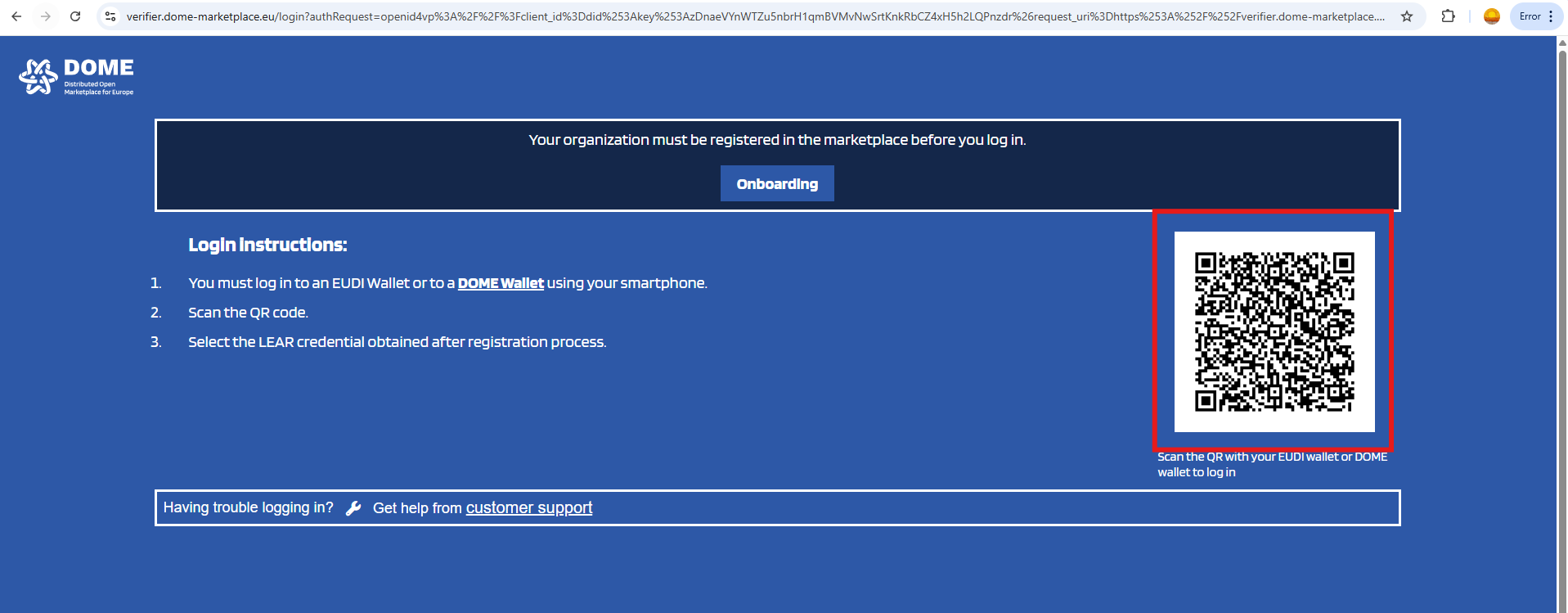
Scan the QR with the DOME Wallet and send a LEAR Credential Employee with the "Onboarding - Execute" power. In your Wallet, you can see the powers of the credentials by clicking on it.
-
For more details on how to scan a QR with the DOME Wallet, see this guide and also this one.
-
-
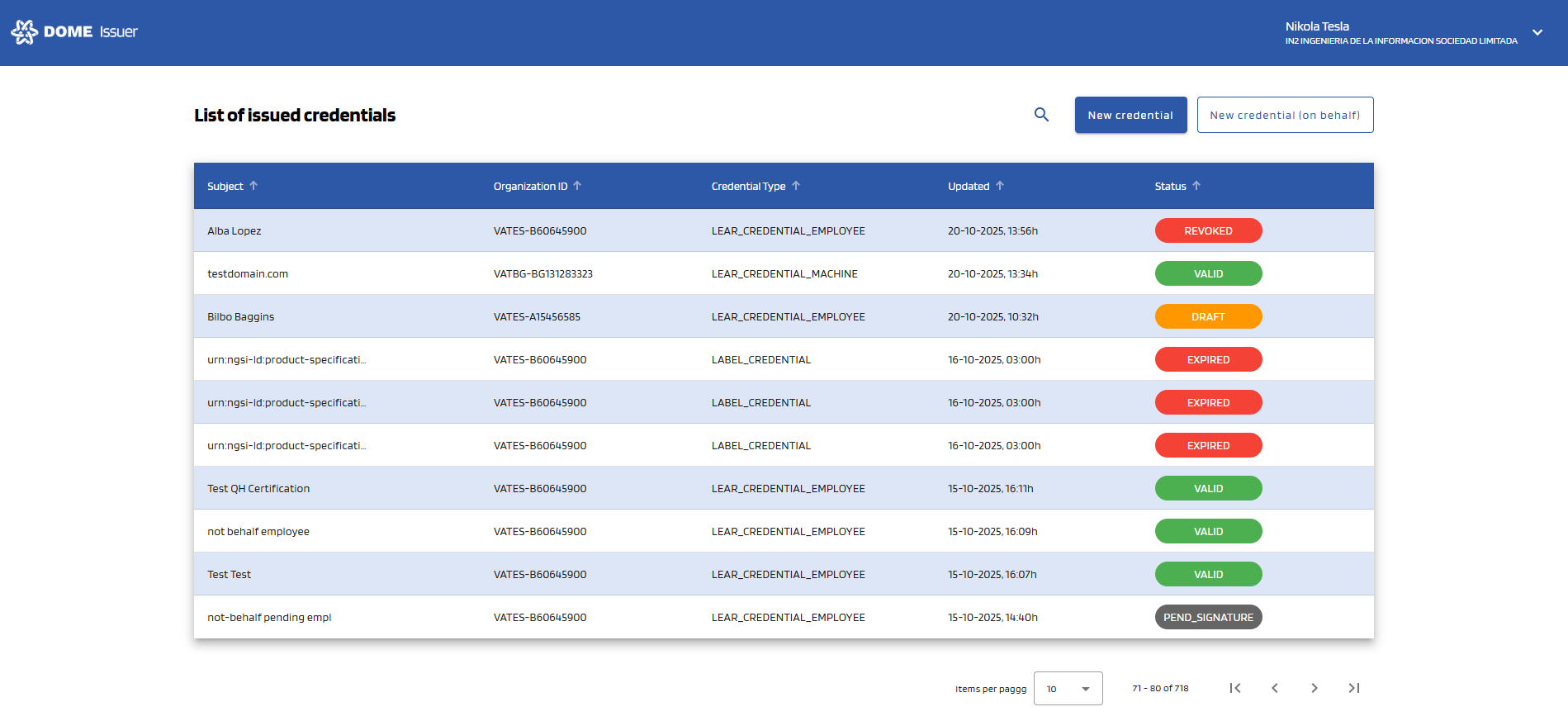
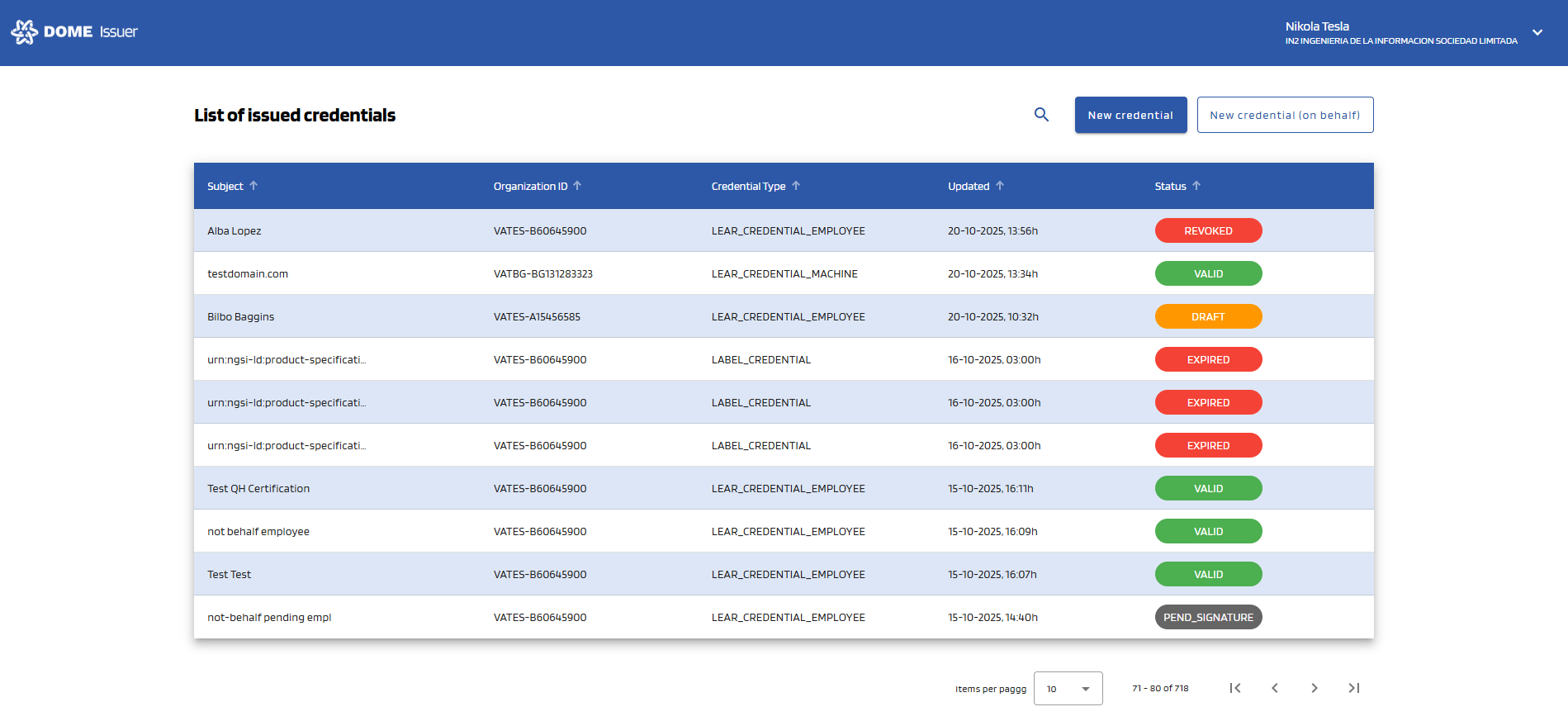
You will enter the issued credentials list view
- In the initial view you can see all the issued credentials by the current user/organization:
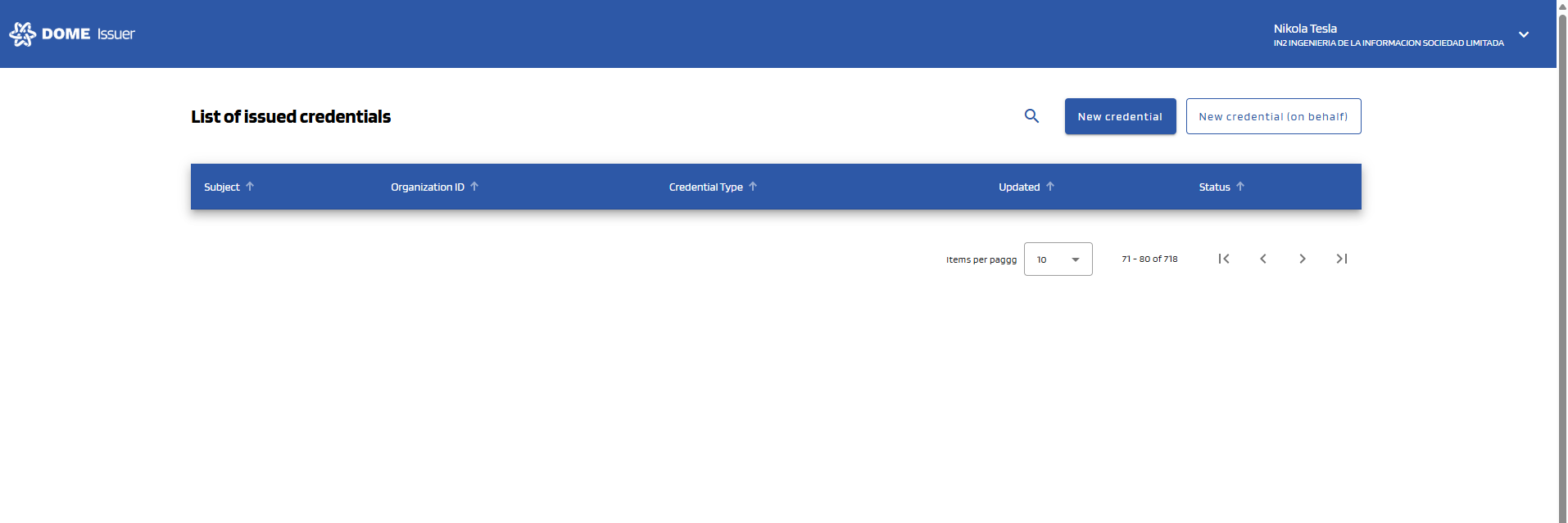
- If your organization hasn't issued any credentials, the table will be empty:
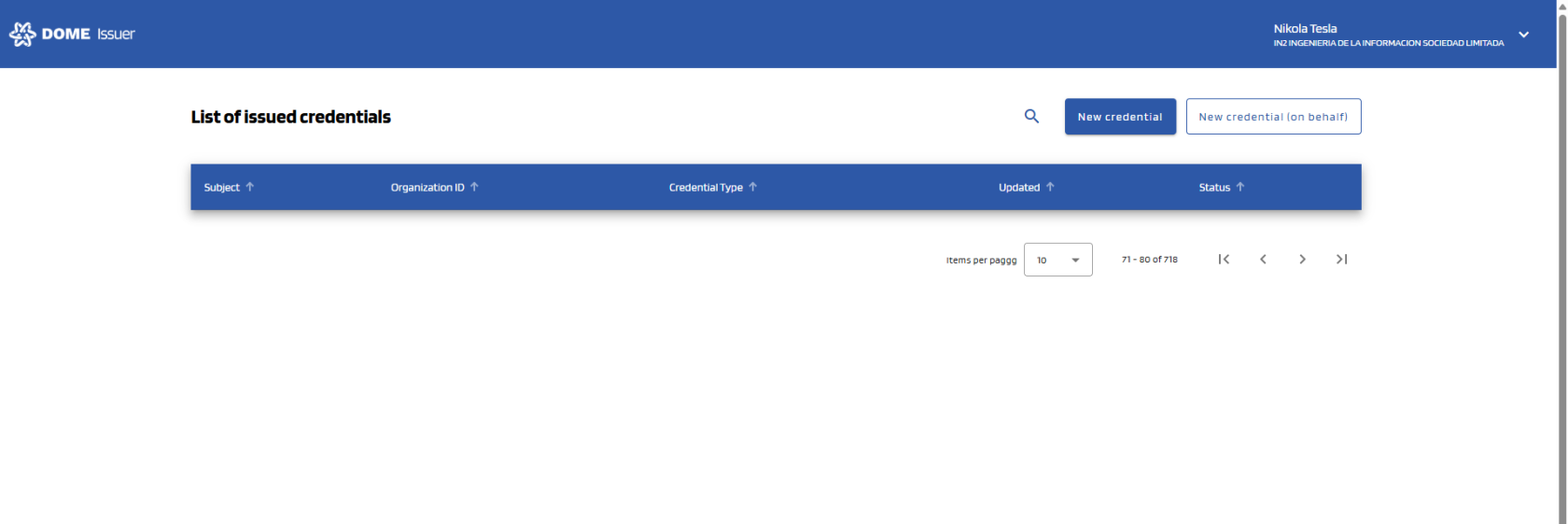
- In the initial view you can see all the issued credentials by the current user/organization:
No Comments