
Credential Management
See your credentials
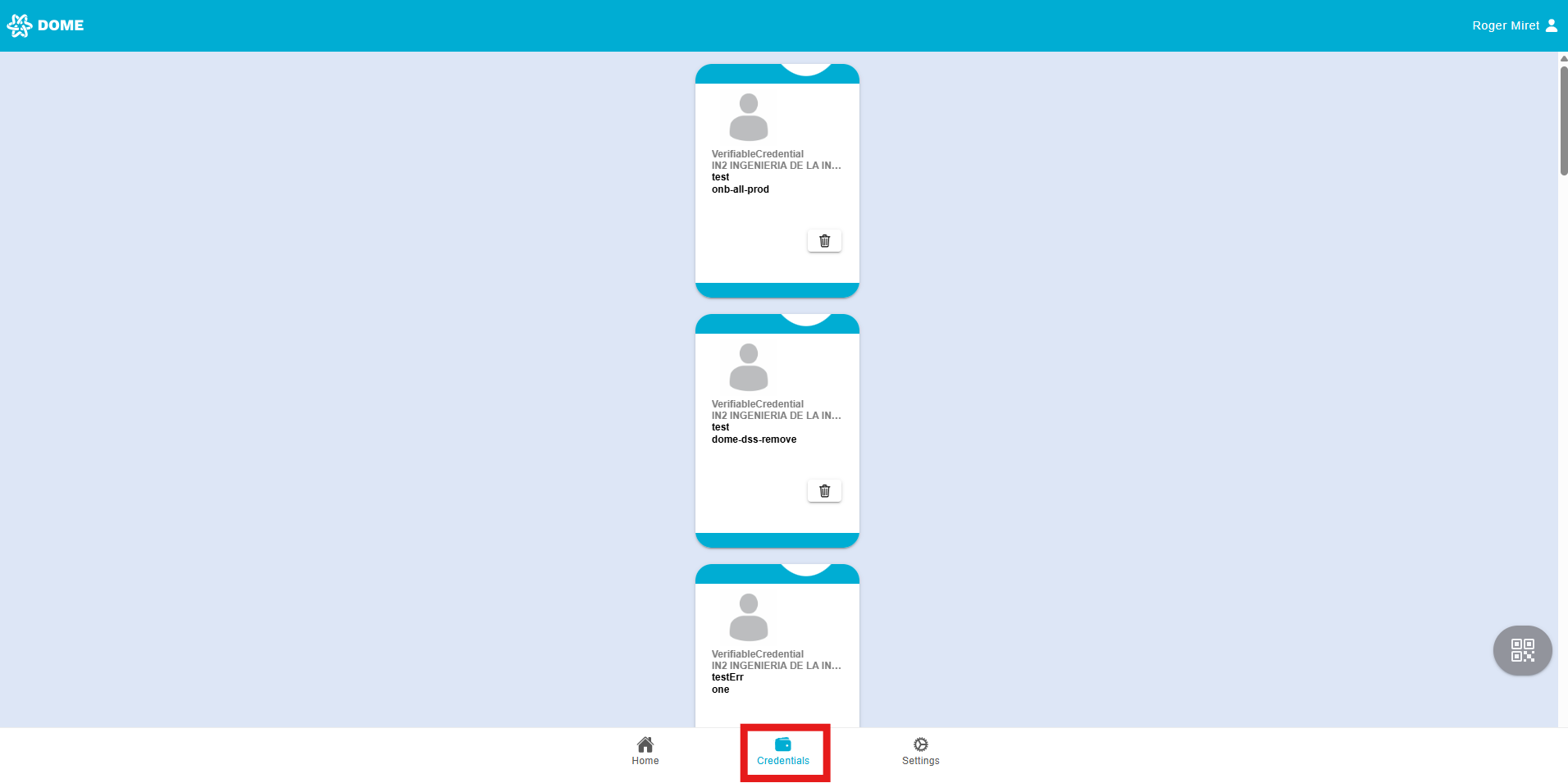
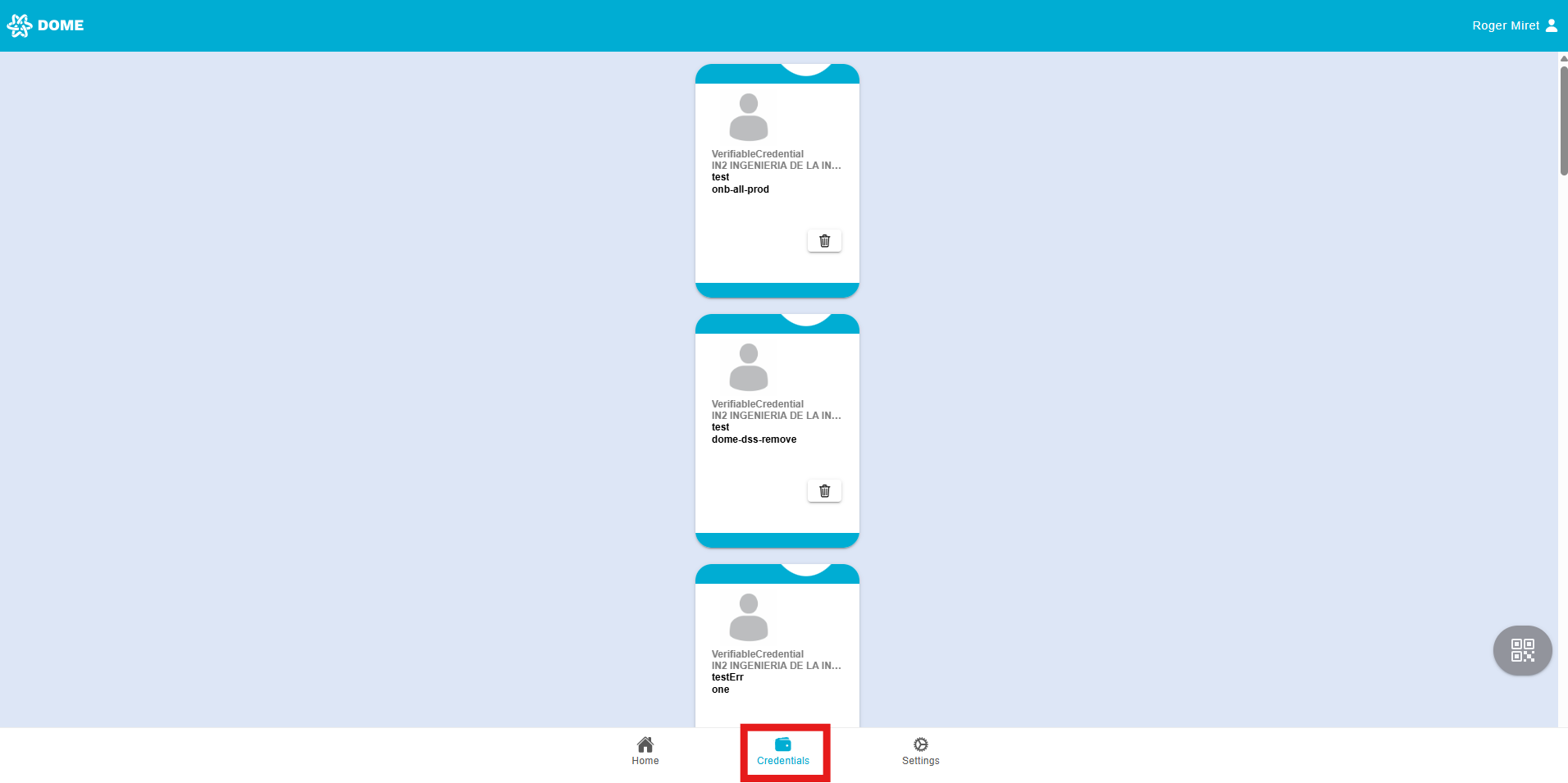
- In the "Credentials" tab you can see all the credentials that have been added to your wallet account. Access it by clicking or tapping on the "Credentials" button below.
Delete credential
- Deleting a Credential:
-
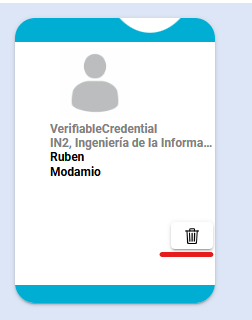
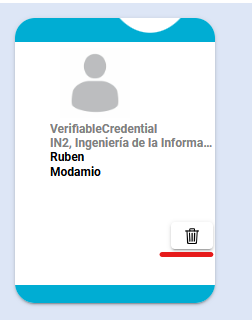
If you choose to delete a credential, simply press the trash icon on the credential. Be aware that once a credential is deleted, it cannot be recovered, so you must obtain a new one through the issuance process if needed.
-
Invalid credentials
- You might find credentials with the status "EXPIRED" or "PENDING SIGNATURE". In this case, ask the LEAR of your company to issue a new one. If you are the LEAR and your credential has expired, open a ticket in the Support Ticketing System.