
How to: Create a new account
To create a new user account, the customer must follow the following steps:
• Open a web browser and go to the URL: https://knowledgebase.dome-marketplace-prd.org
• Click on the “ LOGIN” option at the top right, as you can see from the screenshot below.
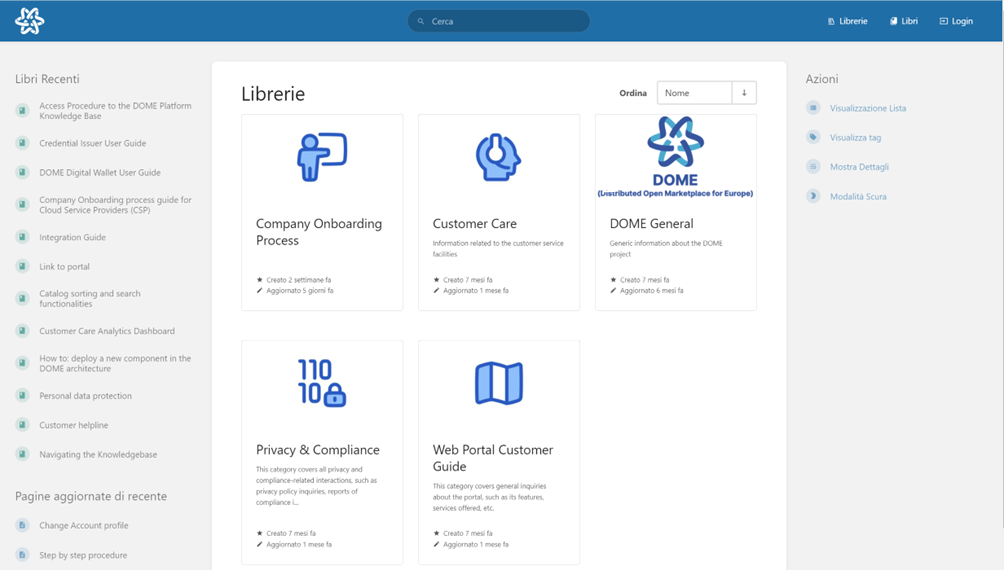
- Click the "Register" option at the bottom of the page, next to "New User?".
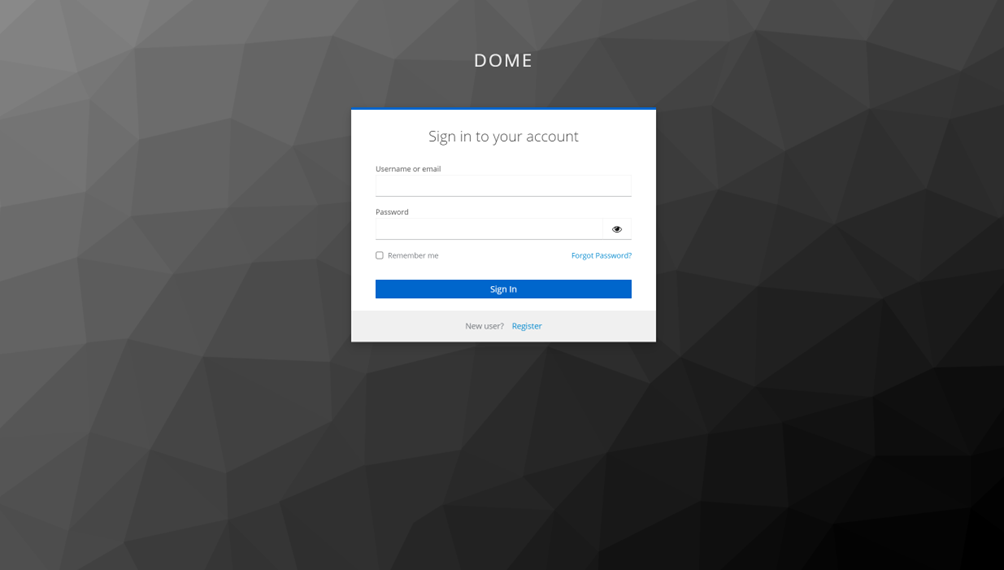
-
Enter the information necessary to create your account: username, password, confirmation password, email address, name and surname. Then, click on the “Register” button
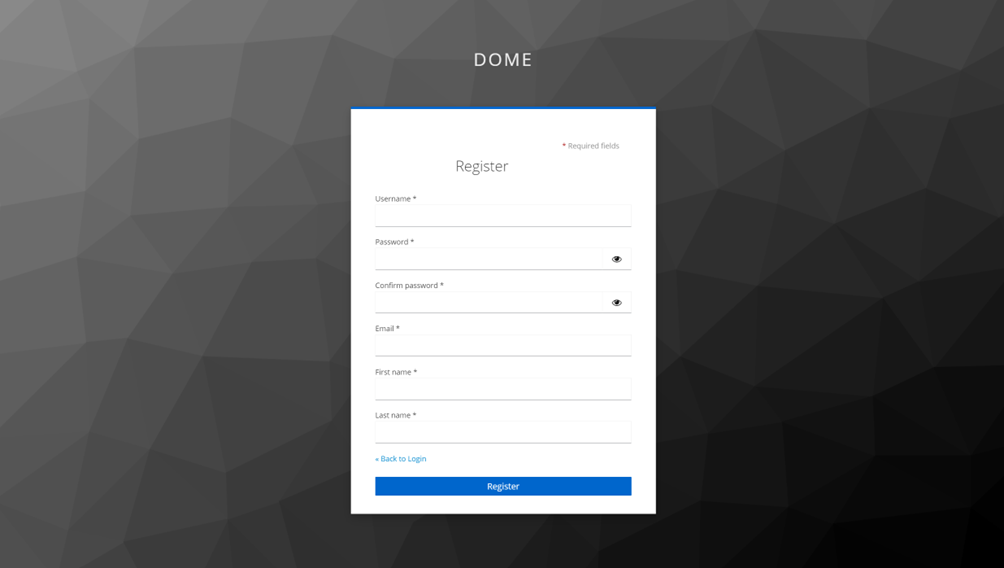
• Once the procedure has been completed, you will receive an email confirming registration.
Registration generates an account with a "Public" profile, if you need to change your profile, see the next page