Credential Management
See your credentials
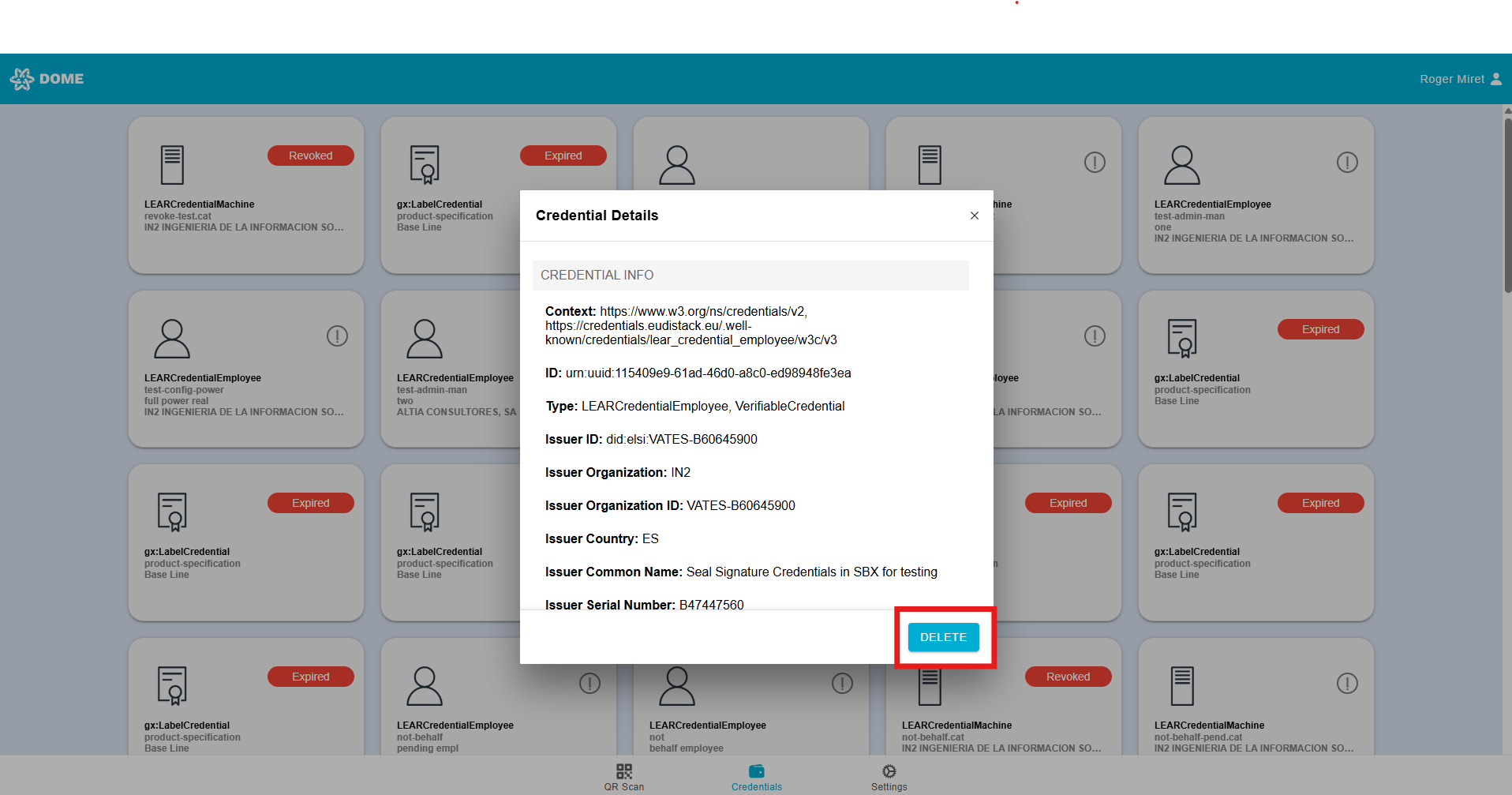
- In the "Credentials" tab you can see all the credentials that have been added to your wallet account. Access it by clicking or tapping on the "Credentials" button below.

- To learn more about credentials and their different types, see this guide.
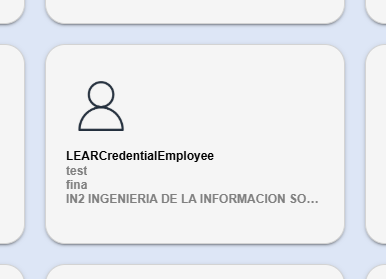
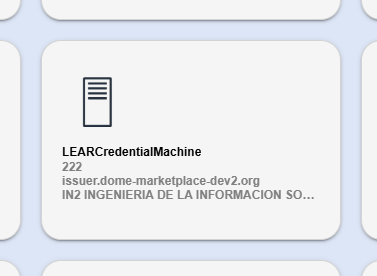
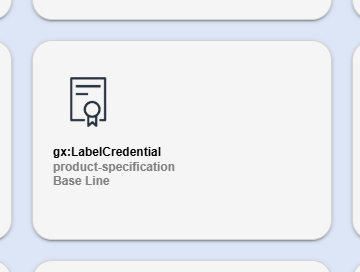
- Each type of credential has a different icon and displays different information. For example, LEAR Credential Employees display the credential type, the name of the mandatee and the mandator Company name, while LEAR Credential Machine display the IP and the domain and the mandator Company name .
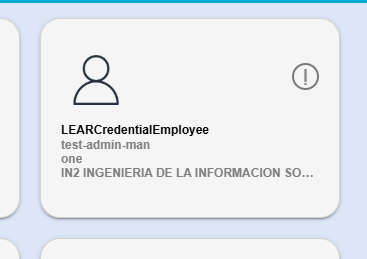
- Example of LEAR Credential Employee:
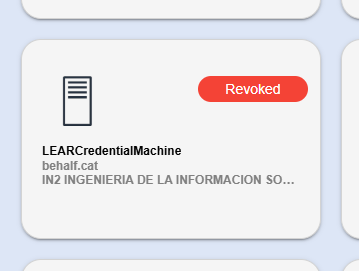
- Example of LEAR Credential Machine:
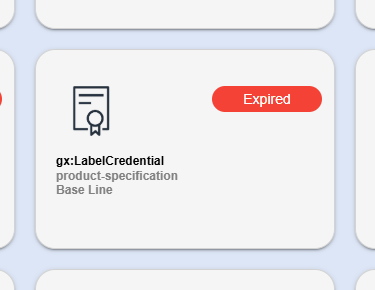
- Example of Gx:Label Credential:
Credential status
- Valid: After adding a credential to your Wallet, it will normally appear with the “VALID” status. Valid credentials have no special icons or labels.
- Pending signature: If a signature error occurs during the activation process, the credential remains in “Pending Signature” status and cannot be used. These credentials are marked with an icon showing a circle containing an exclamation mark (!).
- When the signature fails, your LEAR will receive a notification and will have to sign the credential manually.
- Expired: Each credential has a defined validity period. Once this period ends, the credential becomes expired and can no longer be used. To get a new credential, contact the LEAR of your company; if you are the LEAR, open a ticket to the support ticketing system to ask for a new credential. Expired credentials are marked with a red ellipse labeled “EXPIRED.”
- Revoked: Your company’s LEAR can revoke a credential, immediately preventing its use. Revoked credentials are also displayed with a red ellipse labeled “REVOKED.”
To learn more about statuses, check the Issuer guide.
See Credential details
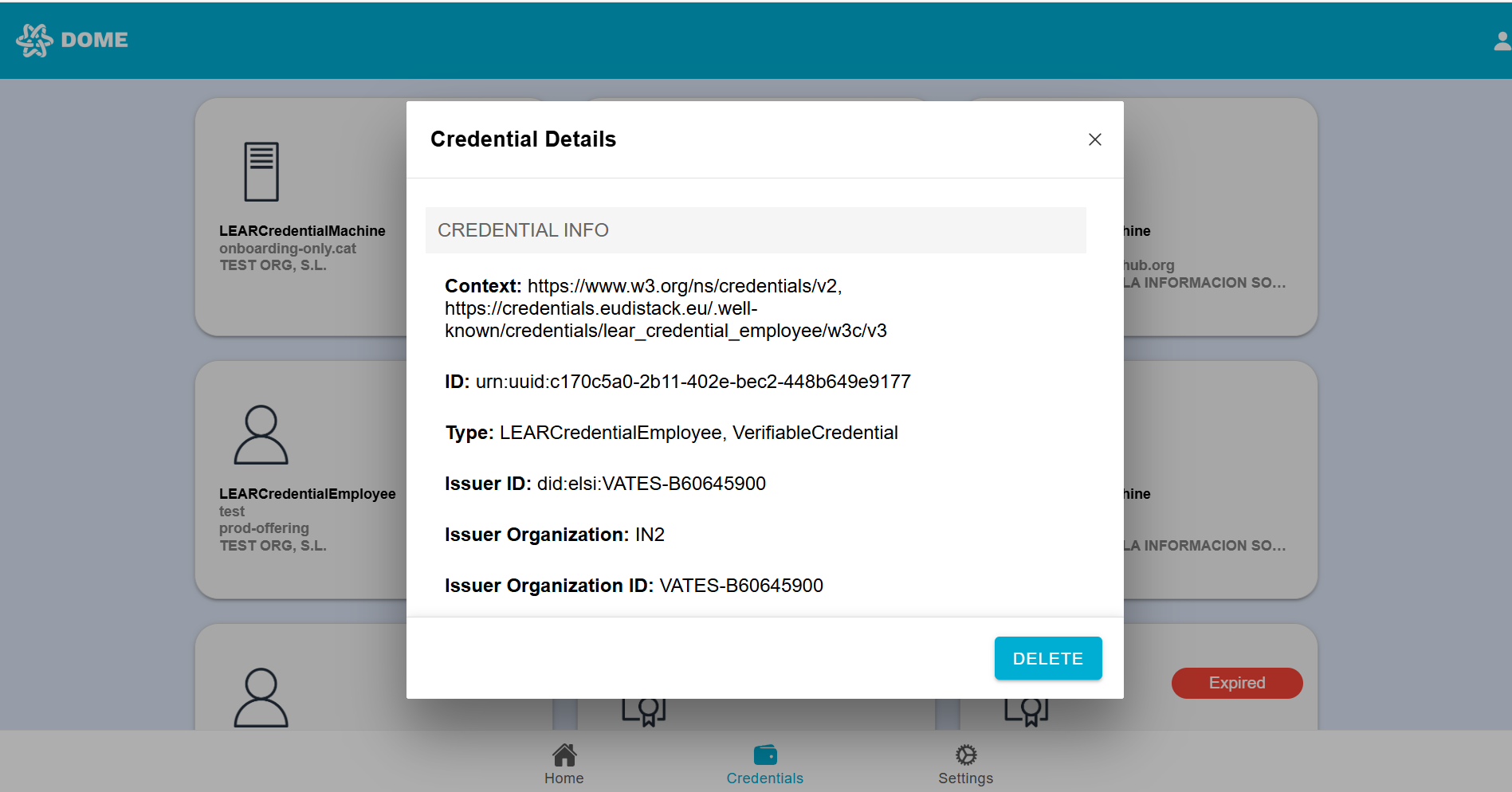
By clicking on a credential card, you can view all the credential details. Details sections differ according to the credential type.
Export Credential
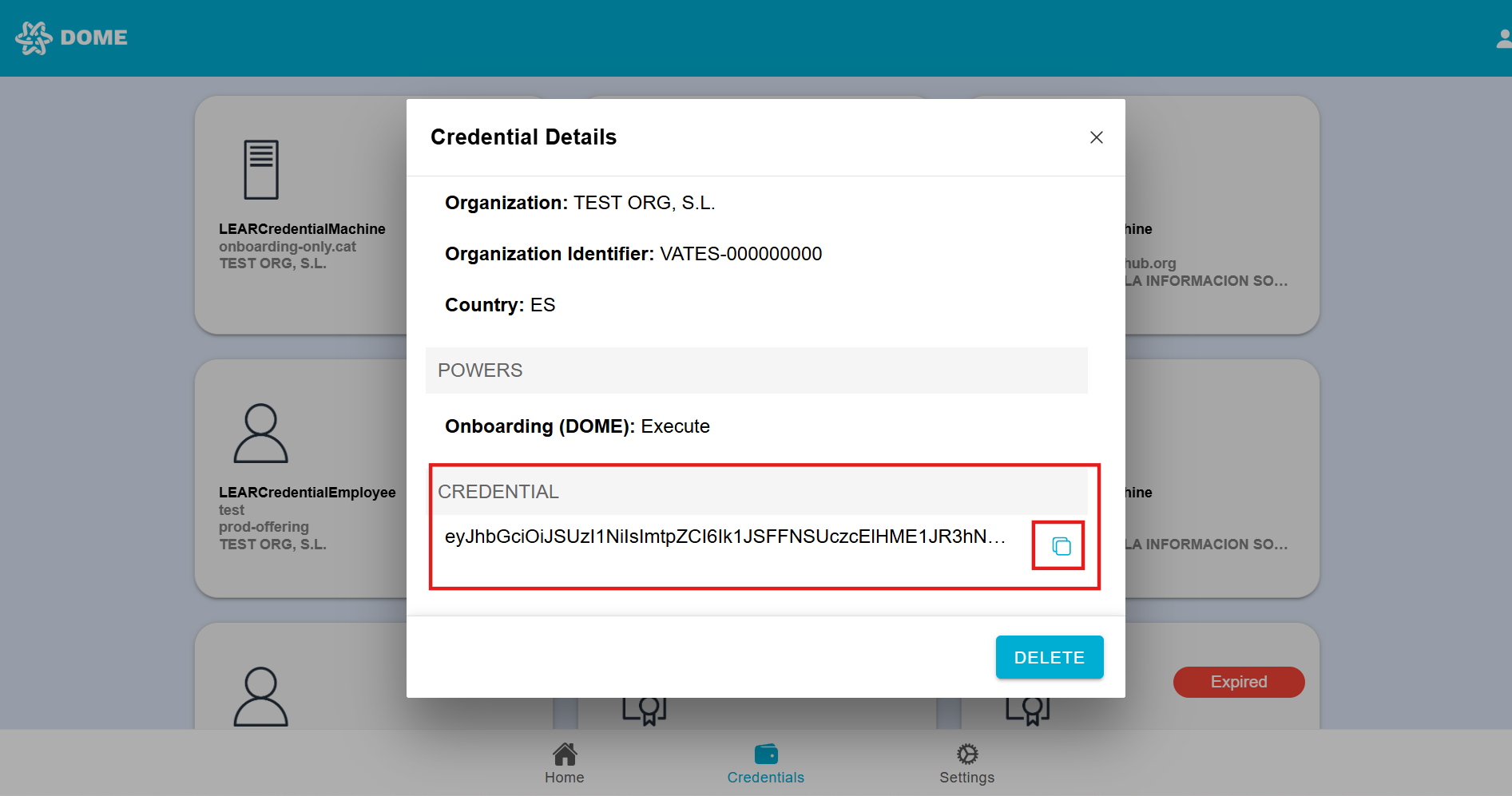
- Some type of credentials (LEAR Credential Machine, Label Credential), allow exporting the credential in JWT format. Access the credential details by clicking on the card and then scroll to the bottom. Here you will find the "Credential" section with the JWT. Click on the button to copy it to the clipboard.
Delete Credential
If you choose to delete a credential, access the credential details by clicking on the card and click on the "Delete" button that con find in the bottom right corner. Be aware that once a credential is deleted, it cannot be recovered, so you must obtain a new one through the issuance process if needed.